
AI in the Browser: Running Transformer Models Locally with WebGPU & ONNX
Discover how modern browser APIs like WebGPU and ONNX runtime enable running deep neural networks and NLP tasks locally inside the user's browser with zero API hosting costs.
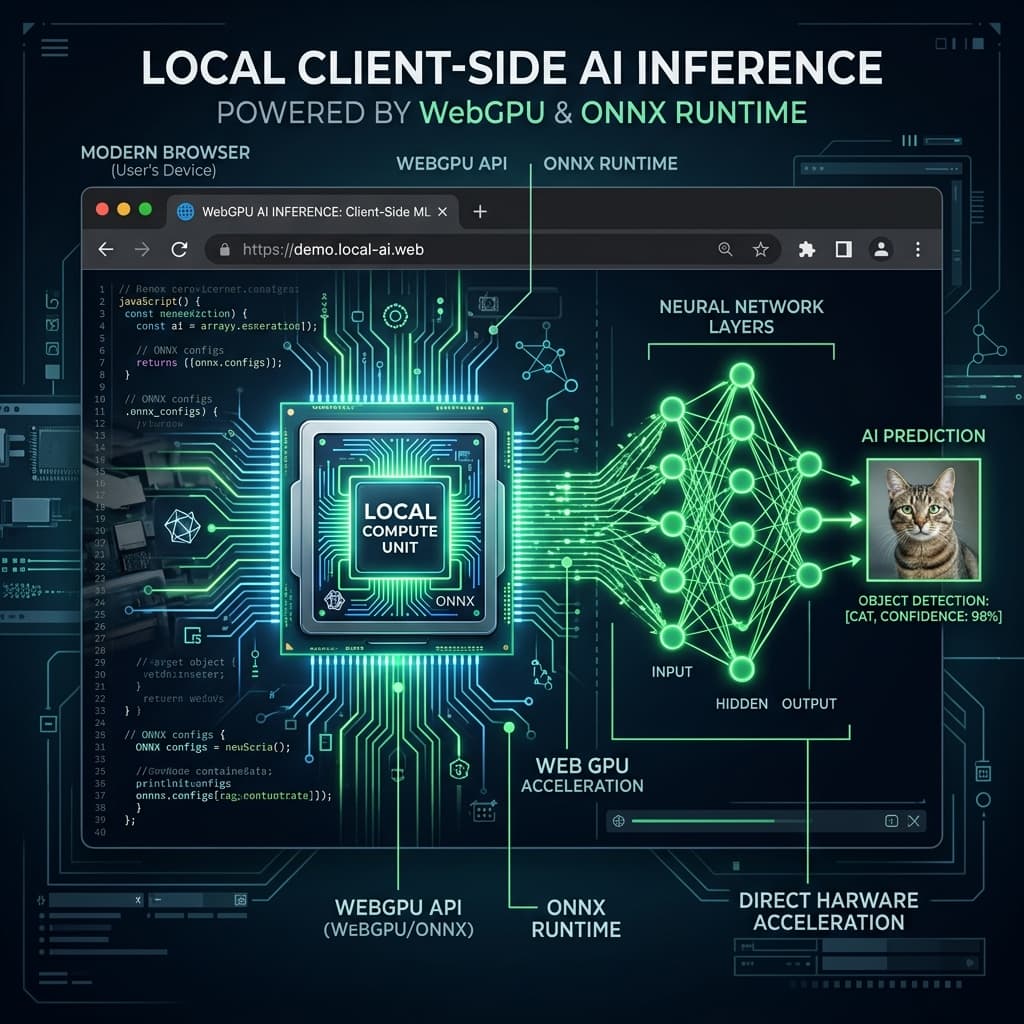
AI in the Browser: The WebGPU Revolution
Historically, running machine learning models required powerful cloud servers equipped with expensive corporate GPU clusters. However, the standardization of WebGPU has unlocked a massive new capability: running deep neural networks and complex transformer models directly inside the user's browser at near-native speeds. For web developers, this opens up a new realm of local-first utility designs—allowing highly intelligent applications to execute locally with zero hosting costs and total user privacy.
What is WebGPU?
WebGPU is the successor to WebGL, providing modern, low-level access to the device's graphics processing unit (GPU) directly from JavaScript. Unlike WebGL, which was designed primarily for 2D/3D graphics rendering, WebGPU is architected from the ground up for general-purpose GPU compute (GPGPU). This makes it uniquely suited for executing the heavy matrix multiplication algorithms that power modern deep learning transformers.
The ONNX Runtime and local Transformers
Thanks to libraries like ONNX Runtime Web and HuggingFace's Transformers.js, running models locally is now as simple as importing an npm package. When a user visits a WebGPU-enabled utility, the application can:
- Download a highly optimized, quantized Small Language Model (like ONNX-quantized Llama or Gemma) directly into the browser cache.
- Compile and load the weights onto the client's local GPU via WebGPU.
- Perform real-time natural language processing, semantic searches, text sanitization, or layout audits completely offline.
Comparing Performance: CPU vs WebGL vs WebGPU
The performance improvements provided by WebGPU compute shaders compared to traditional CPU execution are monumental:
| Execution Method | Average Speed (Tokens / Sec) | Battery / Power Efficiency | Ideal Application Cases |
|---|---|---|---|
| Traditional CPU (Wasm) | 2 - 5 t/s | Low (heavy CPU heating) | Very small token translations |
| WebGL Compute | 10 - 15 t/s | Moderate | Basic image filtering shapes |
| WebGPU (Native Shaders) | 45 - 65 t/s | High (optimized hardware access) | Real-time chat & code analysis |
Accessibility & Inclusive Design Checkers
Beyond text generation, local WebGPU compute allows developers to build smart design scanners directly into their layout suites. For example, a checker can scan an entire visual viewport to calculate WCAG color contrast ratios, test border shapes (like generating geometric CSS border triangles), and automatically suggest color shifts to ensure design compliance for visually impaired users.
Try it free