
CSS Gradients Explained: Linear, Radial & Conic with Live Examples
Master CSS gradients from basics to advanced. Learn linear, radial, and conic gradient syntax with real code examples you can copy and customize.
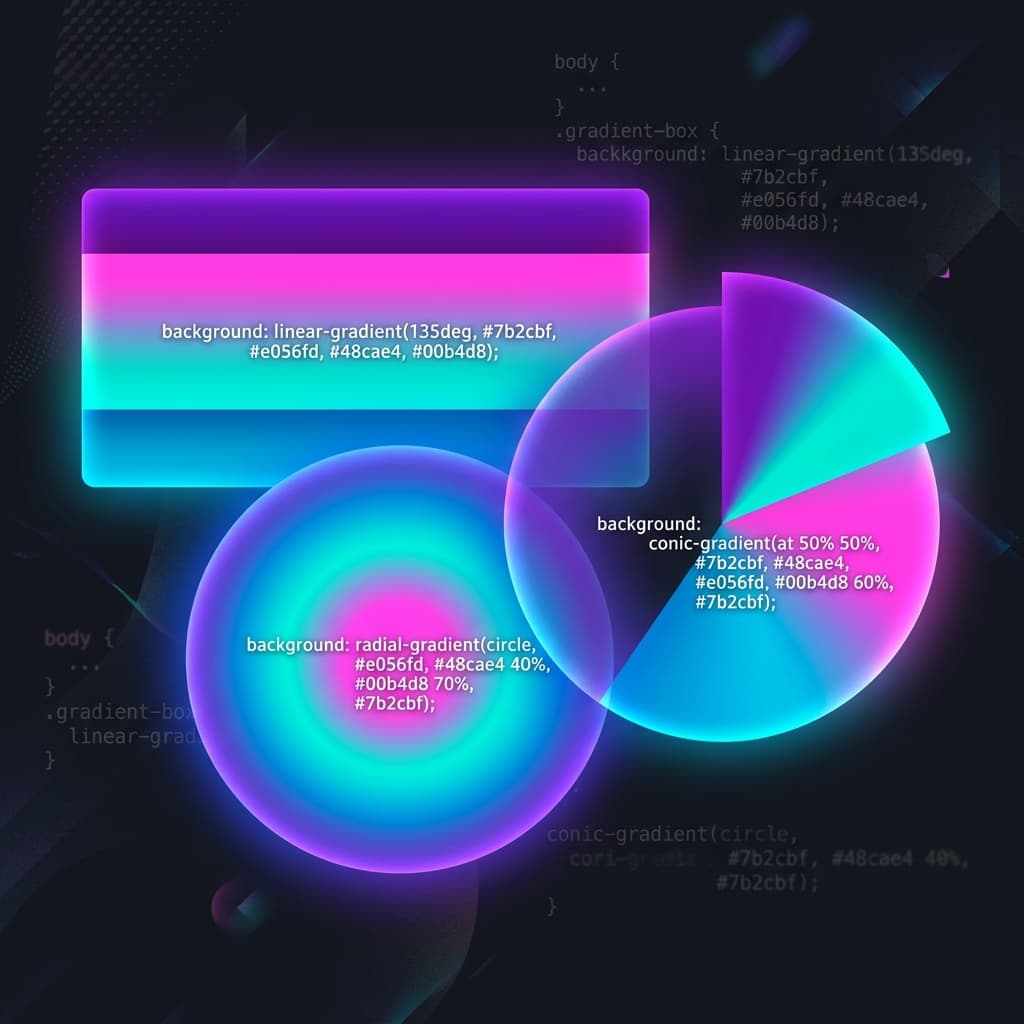
Why gradients beat solid colours
Solid background colours are flat. Gradients add depth, dimension, and visual interest with pure CSS — no images needed. They're resolution-independent, infinitely scalable, and render instantly. In 2026, gradients are a core part of every modern design system.
Linear gradients: the foundation
A linear gradient transitions between colours along a straight line. The simplest syntax:
background: linear-gradient(#667eea, #764ba2);This creates a top-to-bottom gradient from blue to purple. You can control the direction with angles or keywords:
/* Direction keywords */
background: linear-gradient(to right, #667eea, #764ba2);
background: linear-gradient(to bottom right, #f093fb, #f5576c);

/* Angle (0deg = up, 90deg = right, 180deg = down) */
background: linear-gradient(135deg, #667eea, #764ba2);
Colour stops
You can add as many colour stops as you want, and control where each transition happens:
/* Three colours with custom stop positions */
background: linear-gradient(
  90deg,
  #667eea 0%,
  #764ba2 50%,
  #f093fb 100%
);

/* Hard colour stop (no transition) */
background: linear-gradient(
  90deg,
  #667eea 50%,
  #764ba2 50%  /* Same position = sharp edge */
);
Radial gradients: circular beauty
Radial gradients emanate from a centre point outward. They're perfect for spotlight effects, glows, and soft vignettes.
/* Basic circle */
background: radial-gradient(circle, #667eea, #764ba2);

/* Ellipse (default shape) */
background: radial-gradient(ellipse, #667eea, #764ba2);

/* Custom position */
background: radial-gradient(circle at 30% 70%, #667eea, #764ba2);
Size keywords
Control how large the gradient extends:
closest-side— gradient reaches the nearest edgefarthest-side— gradient extends to the farthest edgeclosest-corner— gradient reaches the nearest cornerfarthest-corner— gradient extends to the farthest corner (default)
background: radial-gradient(
  circle closest-side at 50% 50%,
  #667eea,
  transparent
);
Conic gradients: the new kid
Conic gradients rotate colours around a centre point, like a pie chart or colour wheel. They're supported in all modern browsers.
/* Colour wheel */
background: conic-gradient(
  red, yellow, lime, aqua, blue, magenta, red
);

/* Pie chart effect */
background: conic-gradient(
  #667eea 0deg 120deg,
  #764ba2 120deg 240deg,
  #f093fb 240deg 360deg
);

/* With starting angle and position */
background: conic-gradient(
  from 45deg at 50% 50%,
  #667eea, #764ba2, #f093fb, #667eea
);
Repeating gradients
Add repeating- before any gradient type to create patterns:
/* Repeating stripes */
background: repeating-linear-gradient(
  45deg,
  #667eea 0px,
  #667eea 10px,
  #764ba2 10px,
  #764ba2 20px
);

/* Repeating radial rings */
background: repeating-radial-gradient(
  circle,
  #667eea 0px,
  #667eea 10px,
  transparent 10px,
  transparent 20px
);
Practical design patterns
Glassmorphism overlay
.glass-card {
  background: linear-gradient(
    135deg,
    rgba(255, 255, 255, 0.1),
    rgba(255, 255, 255, 0.05)
  );
  backdrop-filter: blur(10px);
  border: 1px solid rgba(255, 255, 255, 0.18);
}
Text gradient
.gradient-text {
  background: linear-gradient(135deg, #667eea, #764ba2);
  -webkit-background-clip: text;
  -webkit-text-fill-color: transparent;
  background-clip: text;
}
Animated gradient
.animated-bg {
  background: linear-gradient(
    -45deg, #667eea, #764ba2, #f093fb, #f5576c
  );
  background-size: 400% 400%;
  animation: gradient-shift 15s ease infinite;
}

@keyframes gradient-shift {
  0% { background-position: 0% 50%; }
  50% { background-position: 100% 50%; }
  100% { background-position: 0% 50%; }
}Browser support
Linear and radial gradients work in all browsers. Conic gradients are supported in Chrome 69+, Firefox 83+, Safari 12.1+, and Edge 79+. For older browser fallback, always set a solid background-color before the gradient.
Choosing the right colours
The difference between a gradient that looks professional and one that looks like a neon sign is colour selection. Use our Color Palette Generator to find harmonious colour combinations, then feed those colours into your gradient. Analogous and monochromatic palettes produce the smoothest transitions.
CSS gradients are one of the highest-impact, lowest-effort design improvements you can make. A single background property can transform a flat design into something that feels alive. Start with linear, experiment with radial and conic, and use our generator to build exactly what you envision.
Try it free
CSS Gradient Generator
Build linear, radial and conic gradients visually with live preview.
Color Converter (HEX / RGB / HSL)
Convert colors between HEX, RGB, HSL, and CMYK formats.
Color Palette Generator
Generate complementary, analogous and triadic palettes from any colour.