
HEX vs RGB vs HSL: Color Codes for Modern Web Design
Understand how digital screens represent colors. Learn the math behind hexadecimal colors, RGB light channels, and HSL human-centric color parameters.
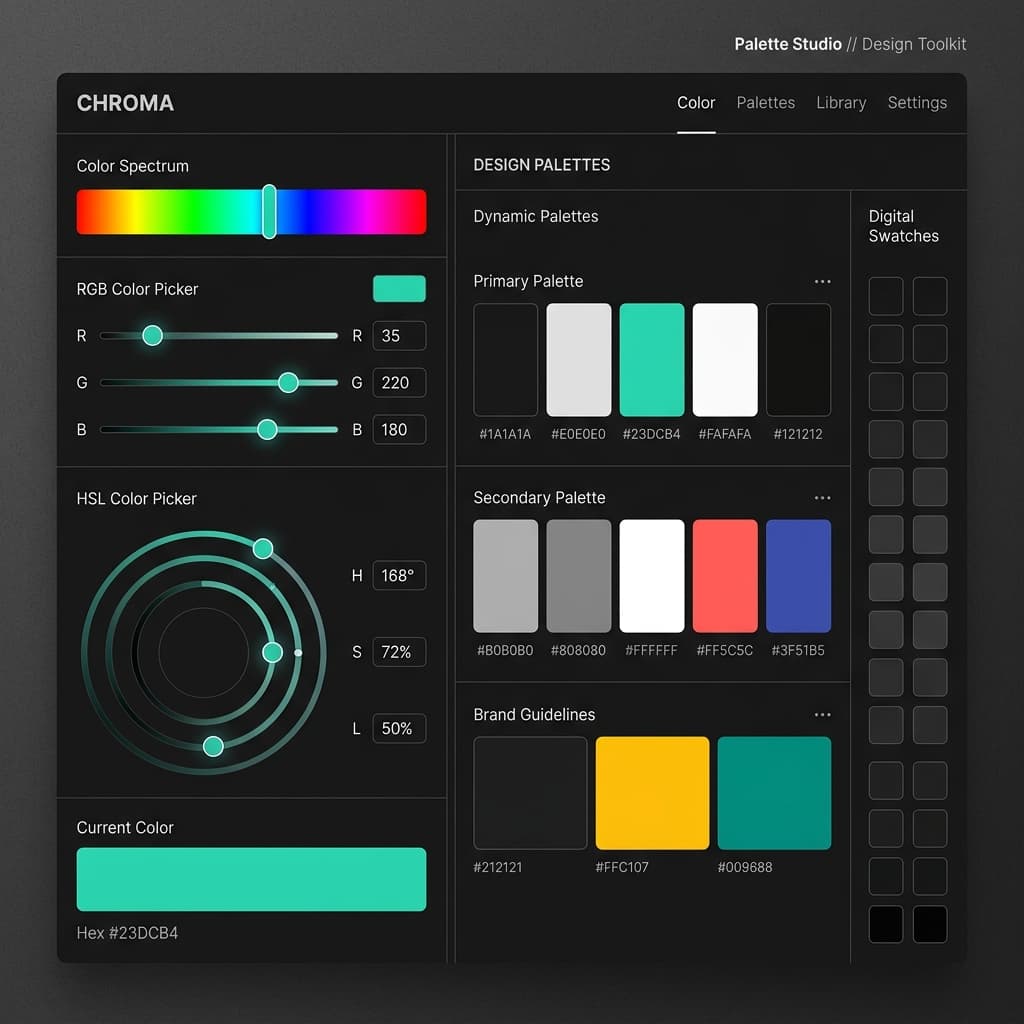
The Digital Rainbow: Understanding Web Colors
In web design and development, colors are defined using code. If you open a CSS file, you're bound to see formats like #10b981, rgb(16, 185, 129), or hsl(160, 84%, 38%).
While they all output the exact same emerald green color, they represent it using entirely different coordinate systems. Understanding these color formats is essential for writing clean CSS, developing accessible designs, and building dynamic UI themes.
Let's break down the three primary web color spaces.
1. HEX (Hexadecimal Format)
HEX is the most common color code format used in web design. It represents red, green, and blue (RGB) values in hexadecimal format.
#RRGGBB[AA]- The first two characters (RR) represent the intensity of red (00 to FF).
- The middle two characters (GG) represent green.
- The last two characters (BB) represent blue.
- Optional: An 8th character pair (AA) can represent opacity (alpha).
Pros: Compact, easy to copy-paste, and universally supported.
Cons: Hard to read. Looking at #3b82f6, you cannot easily tell that it is a shade of blue, nor can you easily adjust its brightness manually.
2. RGB & RGBA (Red, Green, Blue)
RGB defines colors based on the intensity of light channels, using base-10 numbers ranging from 0 to 255.
rgb(red, green, blue)When you add the alpha channel (RGBA), you can control opacity between 0 (fully transparent) and 1 (fully opaque):
rgba(16, 185, 129, 0.5)Pros: Easy to manipulate programmatically in JavaScript.
Cons: Still difficult for humans to adjust manually to create lighter or darker shades.
3. HSL & HSLA (Hue, Saturation, Lightness)
HSL is designed for humans. Instead of mixing colored light, HSL describes color based on how we actually perceive it:
hsl(hue, saturation, lightness)- Hue — The color family, measured as a angle on a 360-degree color wheel (0 is Red, 120 is Green, 240 is Blue).
- Saturation — The intensity of the color (0% is completely grey, 100% is full color).
- Lightness — The brightness of the color (0% is black, 50% is standard color, 100% is white).
Pros: Extremely intuitive. If you want a darker shade of your color, you just decrease the **lightness** value. If you want a softer version, you decrease the **saturation**.
button { background: hsl(160, 84%, 38%); }
button:hover { background: hsl(160, 84%, 30%); /* Darker */ }
button:active { background: hsl(160, 84%, 25%); /* Even Darker */ }
Convert Between Color Codes Instantly
Instead of guessing color math, use our free online Color Converter. Input any HEX, RGB, or HSL code, and it will translate it across all formats instantly, complete with an alpha opacity slider.
To combine your colors into modern color schemes (monochromatic, analogous, triadic), check out our companion Color Palette Generator.
Try it free