
How to Convert JSON to TypeScript Interfaces Instantly
Writing TypeScript types manually is tedious and error-prone. Learn how to generate clean, robust TypeScript interfaces from JSON payloads instantly and use it in your project.
The Problem: Tedious, Manual Typing
If you're building modern web apps, you consume JSON APIs daily. And if you're using TypeScript, you need types or interfaces to go with those payloads.
Manually typing out deep API payloads is a waste of time. It looks like this:
interface UserProfile {
  id: number;
  name: string;
  contact: {
    email: string;
    phone: string;
    address: {
      city: string;
      zip: string;
    }
  };
  tags: string[];
}
If an API response has 50 fields, nesting levels, optional parameters, and mixed types, writing these interfaces manually takes 15 minutes of mind-numbing copy-pasting. Plus, you're bound to make typos that result in runtime bugs.
How JSON to TypeScript Interface Conversion Works
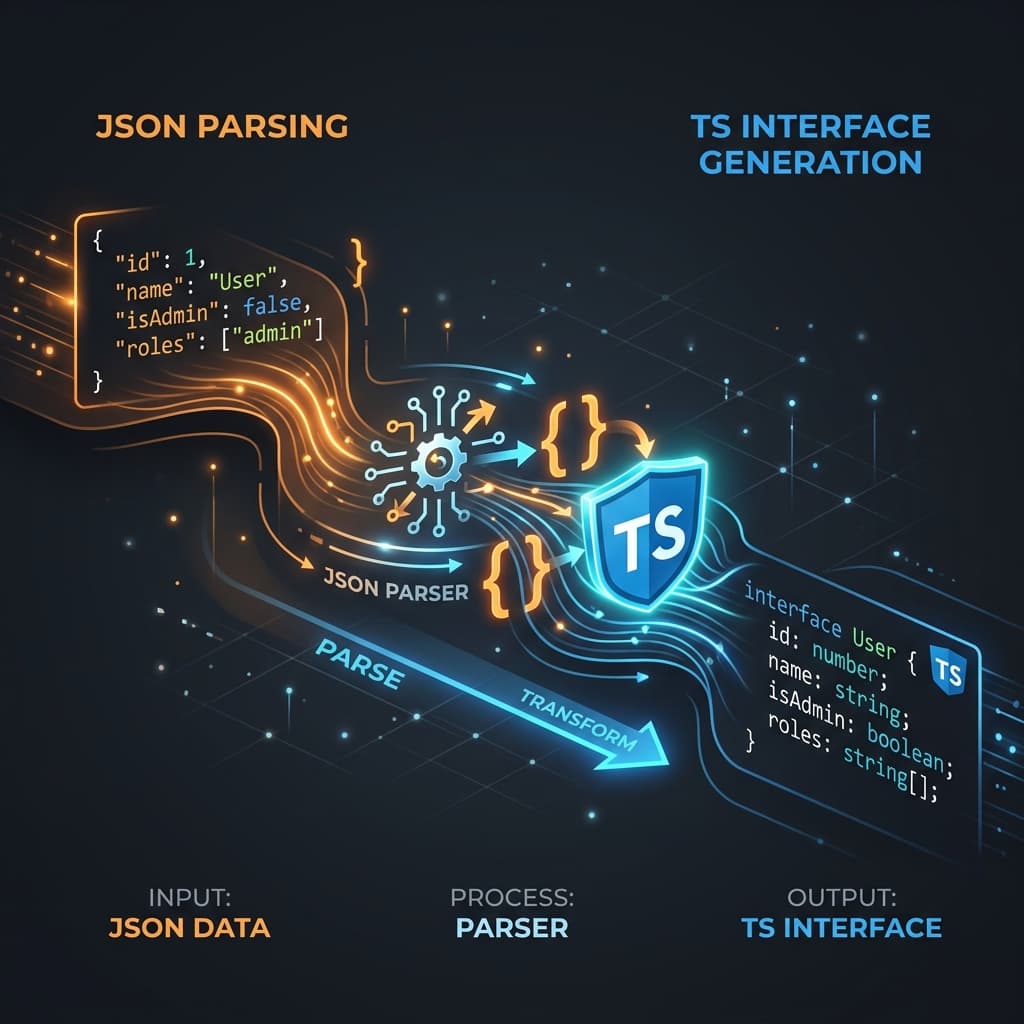
An automated converter parses the structure of your JSON payload and infers the correct TypeScript syntax. It analyzes the types of your JSON key-value pairs:
"name": "Alex"becomesname: string;"age": 28becomesage: number;"isAdmin": truebecomesisAdmin: boolean;"items": [1, 2, 3]becomesitems: number[];- Nested objects are extracted into separate, reusable interfaces.
field?: string;). Simple converters often just inspect the first element, which leads to missing types and runtime crashes.Practical Benefits of Automatic Generation
- Speed — Copy the JSON payload from your API explorer, paste it, and get your TypeScript interfaces in 1 second.
- Accuracy — Avoid missing optional indicators or mislabeling nested structures.
- Refactor-Friendly — When the API structure changes, just paste the new response payload and regenerate the interfaces in one click.
- Better DX — Auto-complete in VS Code works immediately with 100% typed attributes.
The Instant Way to Convert JSON to Types
Instead of using command line tools or writing scripts, you can paste your JSON payload directly into our JSON to TypeScript Converter.
It automatically:
- Parses nested objects into sub-interfaces so your code stays modular and readable.
- Validates your JSON structure on the fly.
- Ensures array elements are unified so optional fields are marked with
?. - Generates standard TypeScript interfaces that you can copy to your clipboard with a single click.
TypeScript is designed to make your developer experience better, not to add boilerplate overhead. Automated generators bridge the gap, keeping your codebase strongly typed without wasting time on manual interface writing.
Try it free